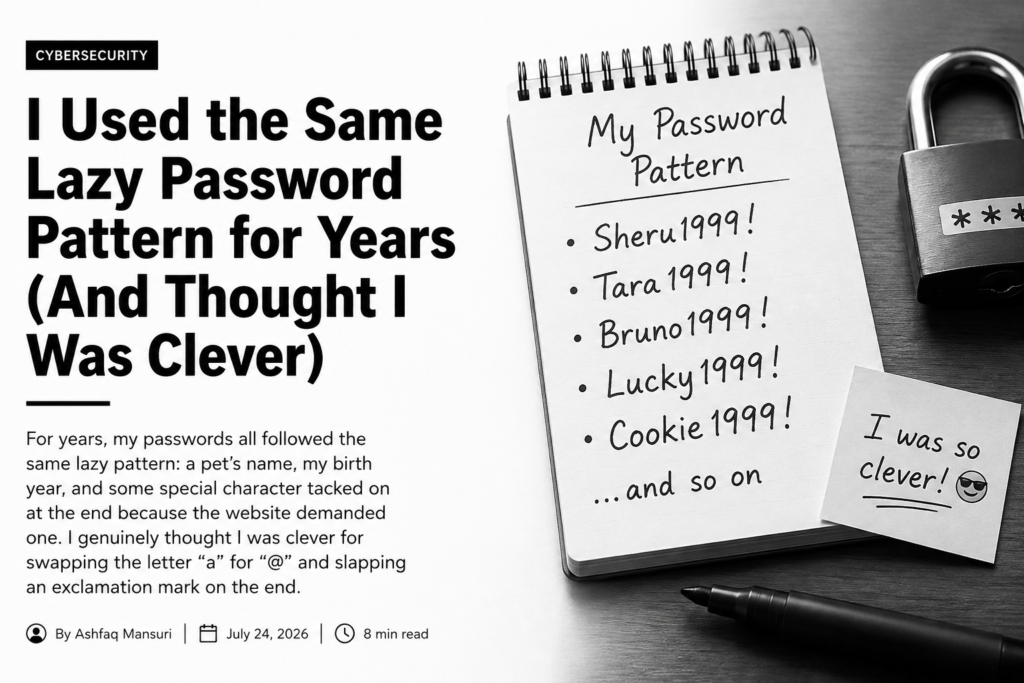
For years, my passwords all followed the same lazy pattern: a pet’s name, my birth year, and some special character tacked on at the end because the website demanded one. I genuinely thought I was clever for swapping the letter “a” for “@” and slapping an exclamation mark on the end.
Honestly, it felt secure enough — until it wasn’t.
The moment I realized my passwords weren’t secure
It wasn’t a data breach or some dramatic hacked-account story that woke me up. It was a friend guessing my Wi-Fi password on her second try. She knew I’d named it after my cat, and figured I’d probably thrown “123” on the end. That was it.
She wasn’t a hacker. She just knew me.
That’s when it hit me — the passwords we come up with on our own usually aren’t random at all. They’re basically autobiographies.
The problem with passwords we make up ourselves
Most of us pull from the same small pool of “personal” details: a pet’s name, a favorite band, a birth year, the street we grew up on, some date that matters to us. They’re easy to remember precisely because they mean something to us.
But that’s also exactly what makes them easy for someone else to guess, especially anyone who knows you even a little, or who can dig up a few details about you online.
What a password generator does differently
A password generator doesn’t know a single thing about you. It has no idea what your dog is named, what year you graduated, or which team you root for.
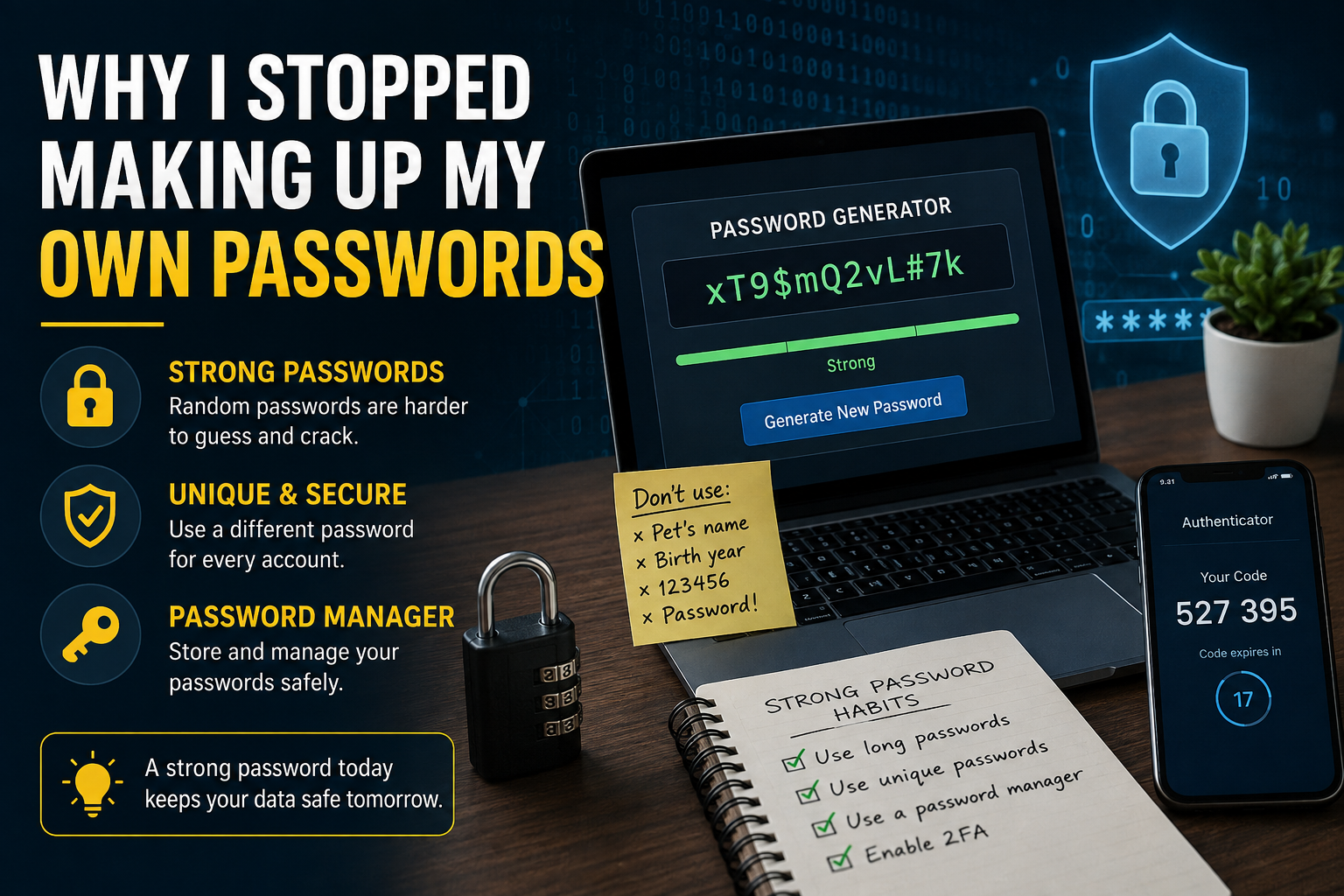
It just spits out a random string of letters, numbers, and symbols with no pattern a human would recognize — something like xT9$mQ2vL#7k.
At first that looks impossible to remember, and it is. But that’s kind of the point — you’re not meant to memorize it. You save it in a password manager and stop thinking about it.
Why I finally gave in
I avoided password generators for a long time because they felt like an extra, annoying step. It took a while to realize I was thinking about it wrong. The point was never convenience — it’s security.
A random 12-character password can take an absurd amount of time to crack by brute force, while something like “Fluffy2015!” can fall in a fraction of that time.
The habit that actually stuck
What made this stick wasn’t some newfound obsession with security. It just became routine. Now, every time I sign up for something, I generate a password instead of trying to invent a clever new one, and I’ve stopped recycling the same three passwords I’ve had since college.
A few things I picked up along the way
Length beats complexity. A longer password is usually stronger than a short one crammed with symbols. If a site lets you go long, go long.
Reusing passwords is the real risk. A weak password is bad, but reusing the same one across accounts is worse. The moment one site gets breached, attackers try that same combo on your email, your bank, your shopping accounts — everything. Generators solve this because you’re not the one who has to remember a dozen different passwords.
Not every generator deserves your trust. Some browser extensions and sketchy websites collect way more than they should. Before using one, check that it generates passwords locally in your browser rather than sending anything to a server.
It’s not really about being paranoid
I’m not particularly worried about cybersecurity day to day. I’m not the friend nagging everyone at dinner about two-factor authentication. But after roughly a week of using a generator, it just became normal. These days, coming up with my own password actually feels like more work than letting a tool do it.
Final thoughts
If you’re still mashing your pet’s name together with a few numbers, don’t sweat it — I did the exact same thing for years. Give a password generator a real shot for a month. You’ll probably find what I did: it’s not harder, it just quietly takes one more thing off your plate.